Your account settings
Change your password, email address or name, add your vehicles, and choose which emails we send you.
Your password, email address, name, vehicles and the emails we send you — all under My Account.
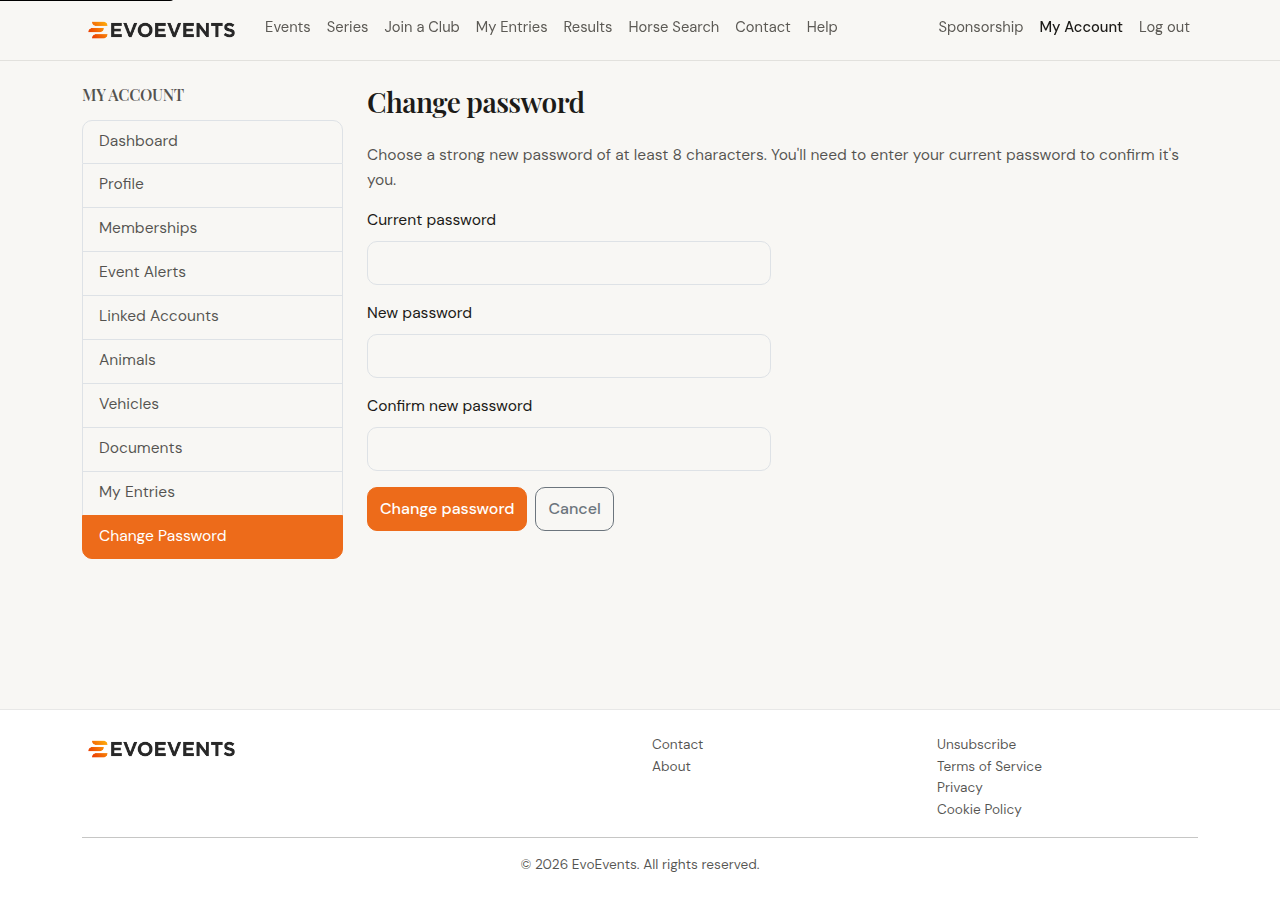
Changing your password
If you know your current password and just want a new one:
- Go to My Account › Change Password.
- Enter your current password, then your new one twice.
- Save.
Forgotten it instead? Use Forgot password? on the login screen — see Creating your account & signing in.
Changing your email address
- Go to My Account › Profile and choose to change your email.
- Enter the new address twice and select Send confirmation link.
- Open the link in the email we send to the new address.
Your current address keeps working until you click that link, so you can't lock yourself out by mistyping.
Changing your name
Names are checked before they change, because they appear on entries, draws and results. Go to My Account › Profile, choose to request a name change, and enter your new first and last name. Our team reviews it and updates your account.
Vehicles
Some events ask which vehicle you're bringing, for parking and grounds access. Record them once:
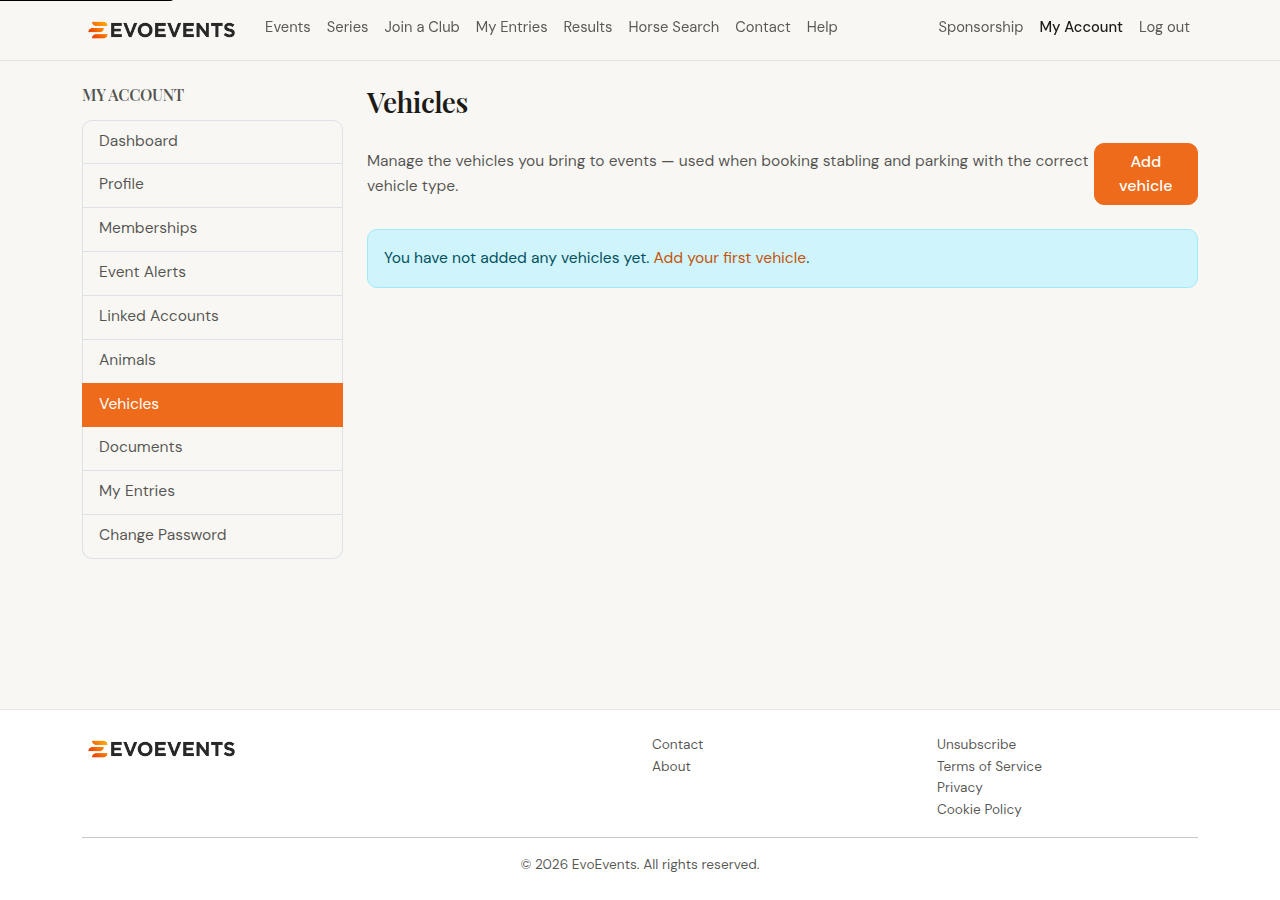
- Go to My Account › Vehicles.
- Select Add vehicle.
- Enter the registration / plate, choose the vehicle type (float, truck, car and so on) and add a description if it helps — "blue two-horse float", say.
- Select Save vehicle.
Edit or remove them from the same page whenever your gear changes.
Event Alerts
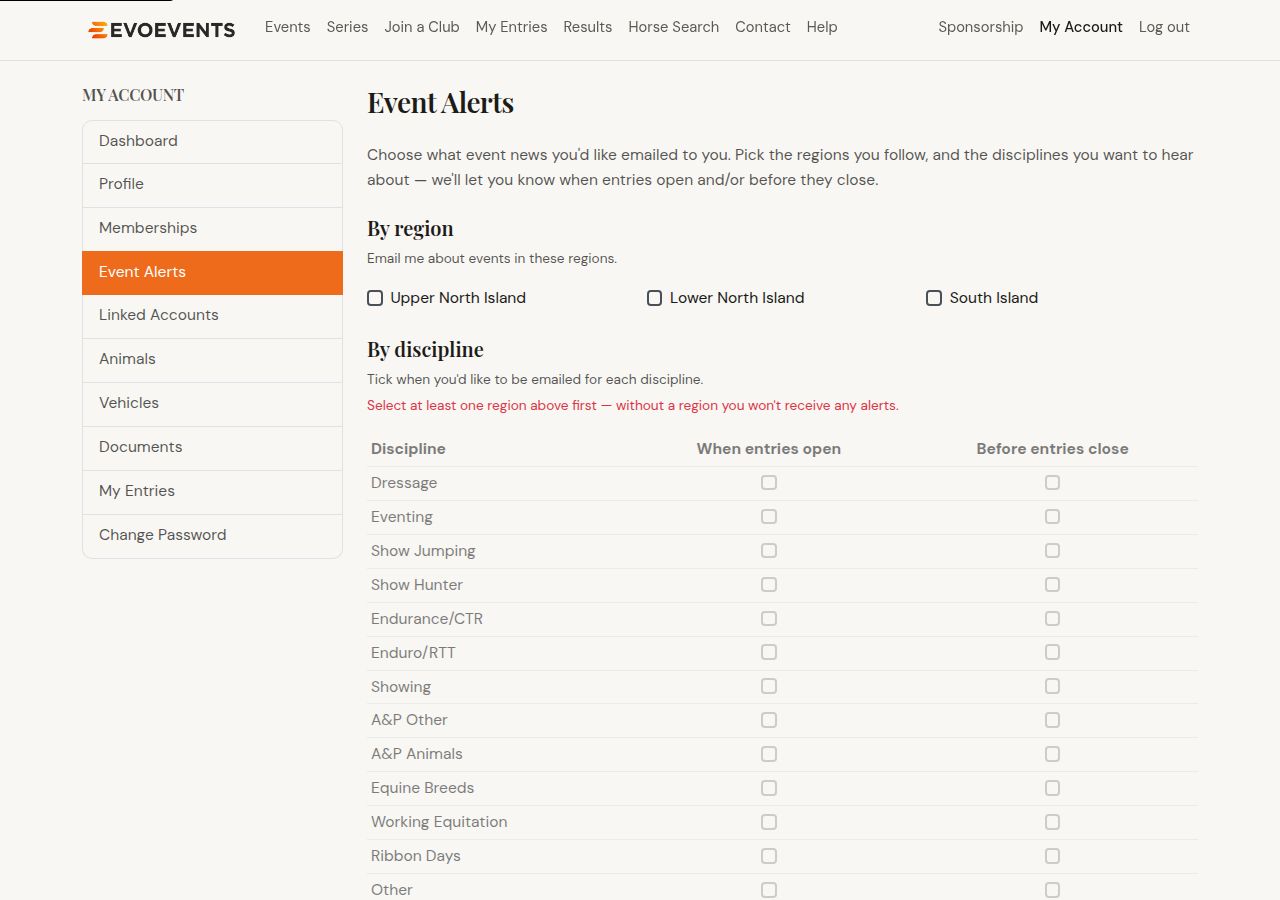
Event Alerts tell you when entries open and before they close, for the events you care about.
- Go to My Account › Event Alerts.
- Tick the regions you want to hear about. Nothing is sent until you choose at least one.
- Then tick the disciplines, and whether you want the entries-open or entries-closing reminder for each.
- Save.
Unsubscribing
Every alert email has an Unsubscribe link in its footer, and there's one at the bottom of every page on the site — or go straight to the unsubscribe page.
You don't need to be signed in: enter your email address and confirm. Nothing changes until you confirm, so a stray click in a mail app can't switch your alerts off by accident.
Unsubscribing turns off event alert emails for every account on that email address — useful for a family inbox, but worth knowing if you only meant to stop your own. You can turn them back on any time under Event Alerts, and it doesn't affect emails about entries you've made, which organisers send you directly.
Still stuck? Contact us and we'll help.