Finding results
Look up results by event, by class, or for a particular horse.
Results are published as they come in. There are a few ways to find what you're after.
By event
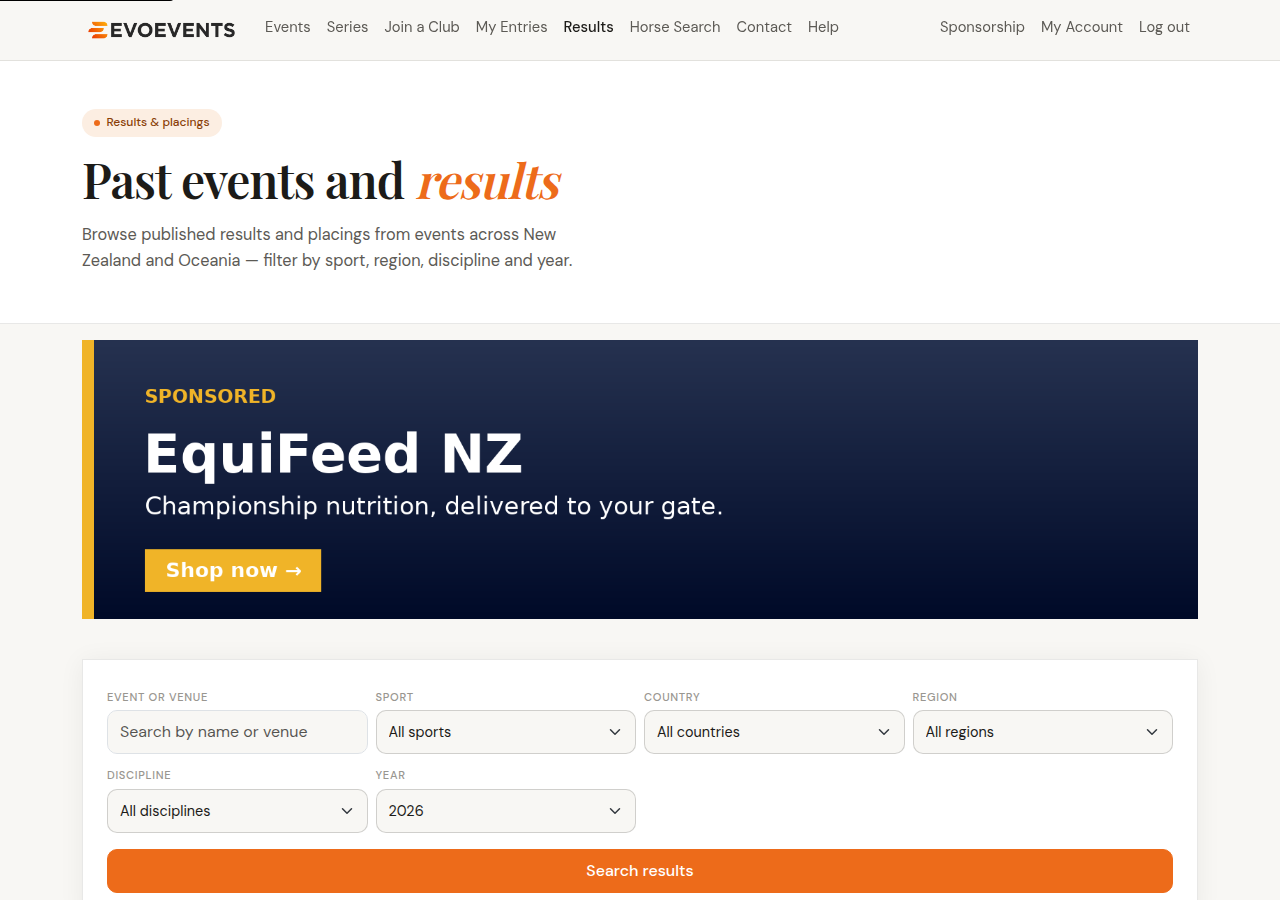
- Select Results in the top menu. You'll see events that have already started, most recent first.
- The list shows the current year to begin with — change the Year dropdown to look further back, and narrow things down by sport, country, region or discipline.
- Open an event to see its classes, then a class to see the full placings.
From an event page
An event page lists its classes on a tab that's named for where the event is up to — Draw before it starts, Live while it's running and Results afterwards. Select View beside a class to open its scorecard there and then, or View full for the whole class on its own page.
Where an event publishes them, the Timetables and Entries tabs show running order and start lists too.
By horse
- Select Horse Search in the top menu.
- Search for a horse by name or ESNZ registration number.
- Open the horse to see all of its results across events.
Getting your results sent to you
Under My Account › Profile you can ask for your results to be sent to you by text or email as they're published.
Event Alerts is a different thing: it tells you when entries open and before they close for the regions and disciplines you follow. See Your account settings.
Still stuck? Contact us and we'll help.