Creating your account & signing in
Register, sign in, stay signed in, and reset a forgotten password.
You'll need an EvoEvents account to enter events, manage your horses and see your entries. It's free to create.
Create your account
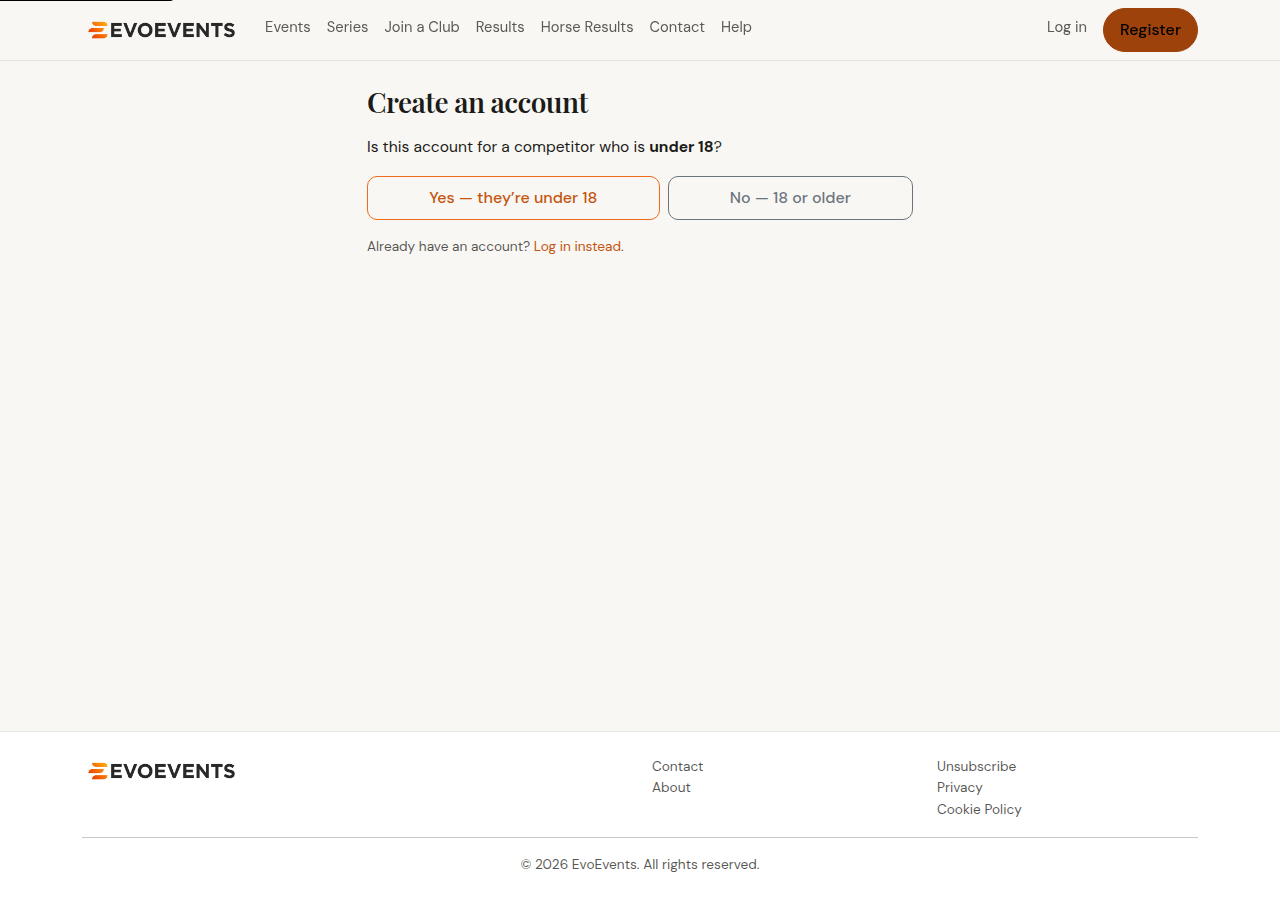
- Select Register in the top menu.
- Tell us whether the account is for a competitor under 18. Under-18 riders are registered by a parent or guardian, and we'll collect the young rider's details as part of the same form — see Entering for someone else.
- Enter your name, email address, date of birth and a password of at least 8 characters. Phone, home town and your ESNZ number are optional — you don't need to be an ESNZ member to have an account.
- Tick to agree to the Terms of Service and Privacy Statement.
- Submit the form. Your account is created and we email you a confirmation link — then log in with your new email and password.
Sign in
- Select Log in in the top menu.
- Enter your email and password.
- Select Show next to the password box if you want to check what you've typed.
- Tick Keep me signed in to stay signed in on this device for 30 days (extended each time you visit). Without it you'll be signed out after a short period of inactivity.
Forgotten your password?
- On the login screen, select Forgot password?
- Enter your email address.
- We'll email you a secure link. It's valid for 30 minutes — open it and choose a new password.
The email can land in a junk, spam or updates folder, so check there if it hasn't arrived. Already know your password and just want to change it? See Your account settings.
Verifying your email
You can browse events, build an entry and reach the checkout without verifying your email — nothing you've built is lost. What you can't do is finish the entry: the checkout review page shows a Resend verification email button, and Confirm entry won't complete until you've opened the link we sent you.
Still stuck? Contact us and we'll help.