Documents & freestyle music
Upload papers and height certificates against a horse, and freestyle music you can pick for each event.
Registration papers, height certificates and musical freestyle tracks are uploaded once and then used for every event.
Documents for a horse or animal
Papers, height certificates, passports and vaccination records belong to the animal, so they're stored on its record and are there for every future show.
- Go to My Account › Animals and select Details beside the animal.
- Scroll to Documents.
- Choose the document type — height certificate, registration papers and so on.
- Add a description, choose your file, and select Upload document.
PDF, image, Word, text or archive files, up to 100 MB. The document appears in the list, where you can download or remove it.
Your own documents
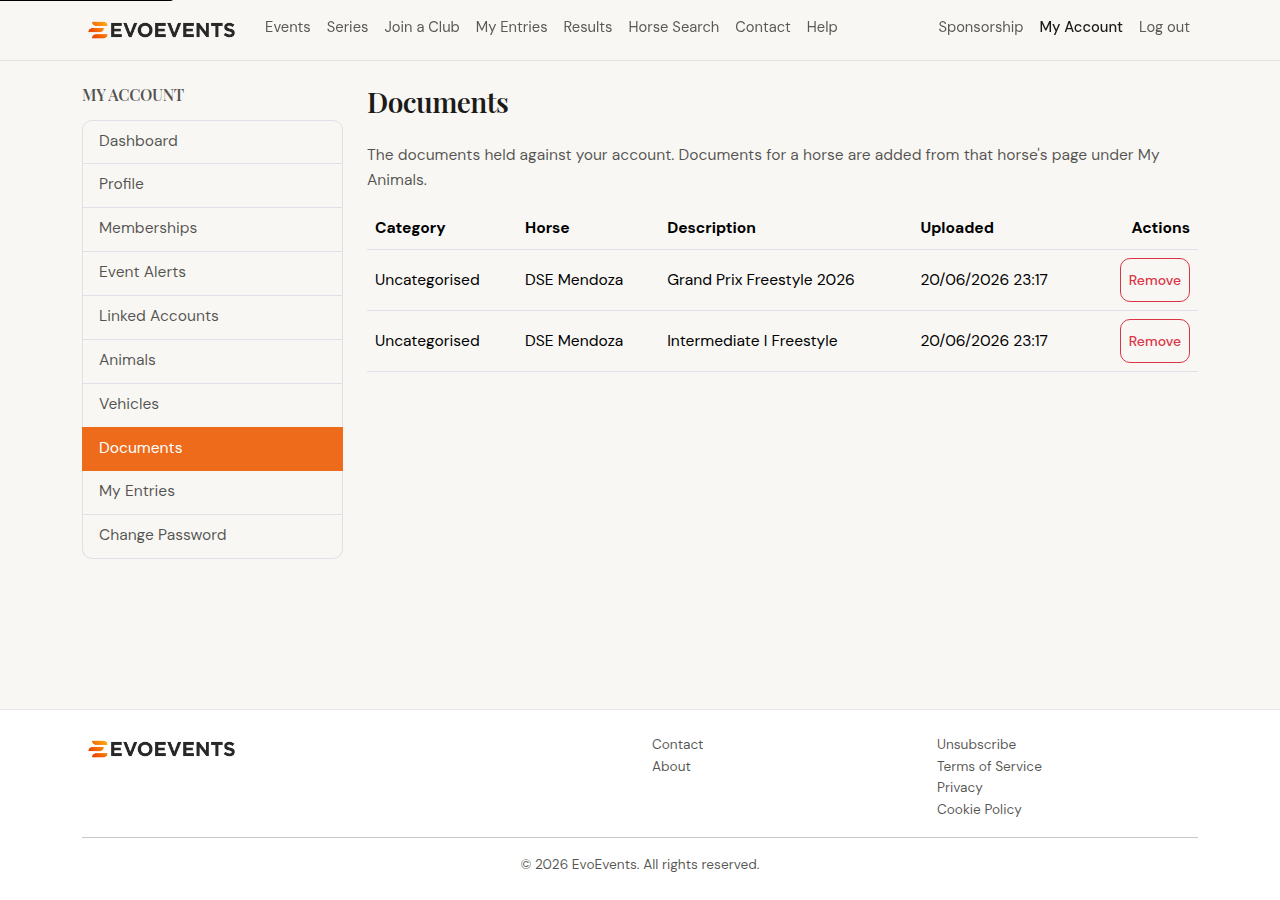
My Account › Documents lists everything held against your account, including the documents you've uploaded for your animals. You can download or remove any of them from there.
Musical freestyle music
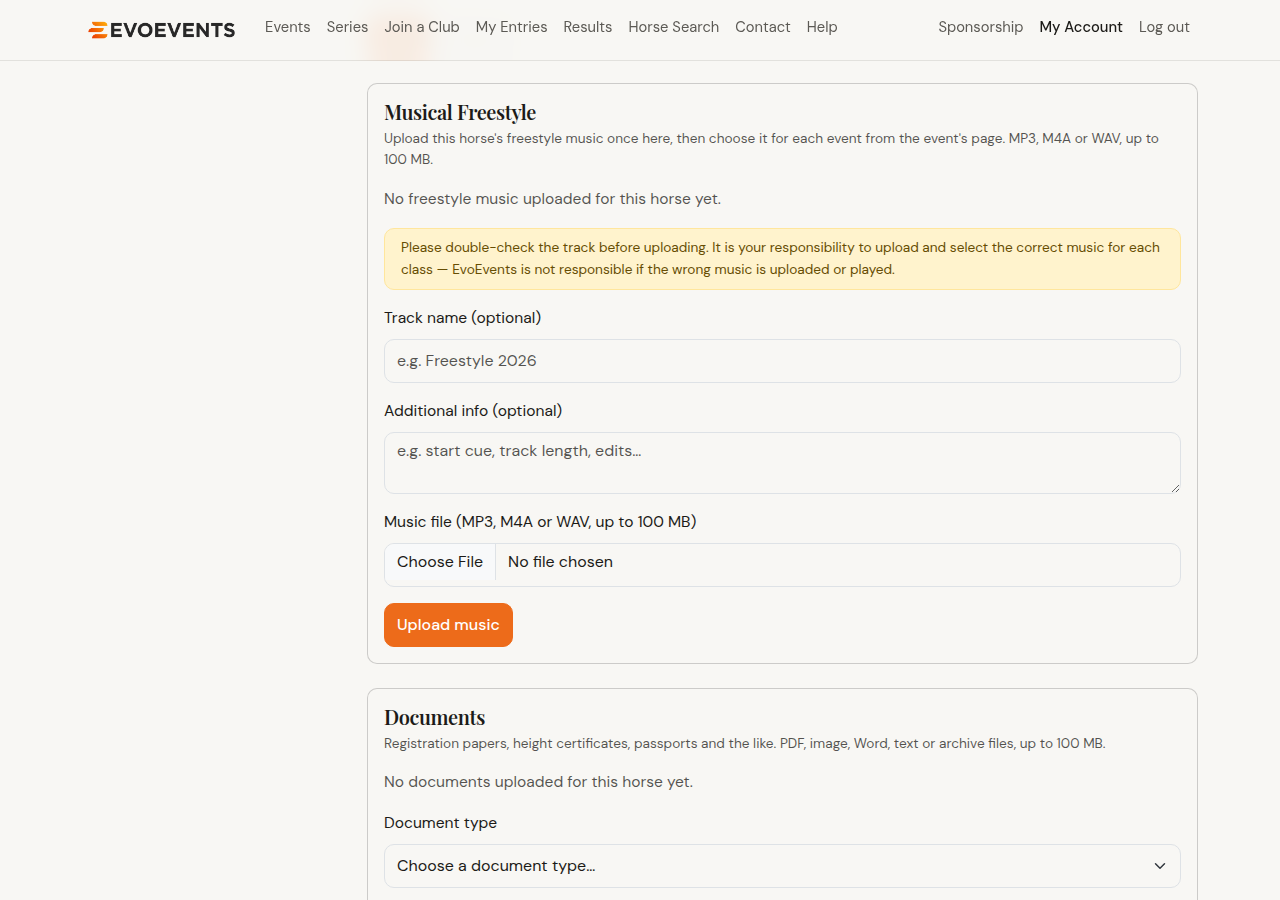
Freestyle music is uploaded against the horse, then chosen for each event you need it at. Upload it once and reuse it all season.
- Go to My Account › Animals and select Details beside the horse.
- Scroll to Musical Freestyle.
- Give the track a name — the test or class it's for is a good choice — and add any notes, such as a start cue.
- Choose the file and select Upload music. MP3, M4A or WAV, up to 100 MB.
Choosing the music for an event
- Open the event you've entered.
- Go to its Music tab. It lists each of your entries in a class that needs freestyle music.
- Select the track for that entry — or upload a new one right there if this class needs something different.
You can play back what you've selected with the Listen link, and change it any time before the event.
Documents for a particular entry
Sending a vet certificate, a qualification record or anything else about one specific entry? Contact the event organiser directly — the Contact organiser button on the event page emails them, and you can attach what they need to your reply. An event's own paperwork (schedules, ground maps) is published by the organiser on the event's Documents tab.
Still stuck? Contact us and we'll help.